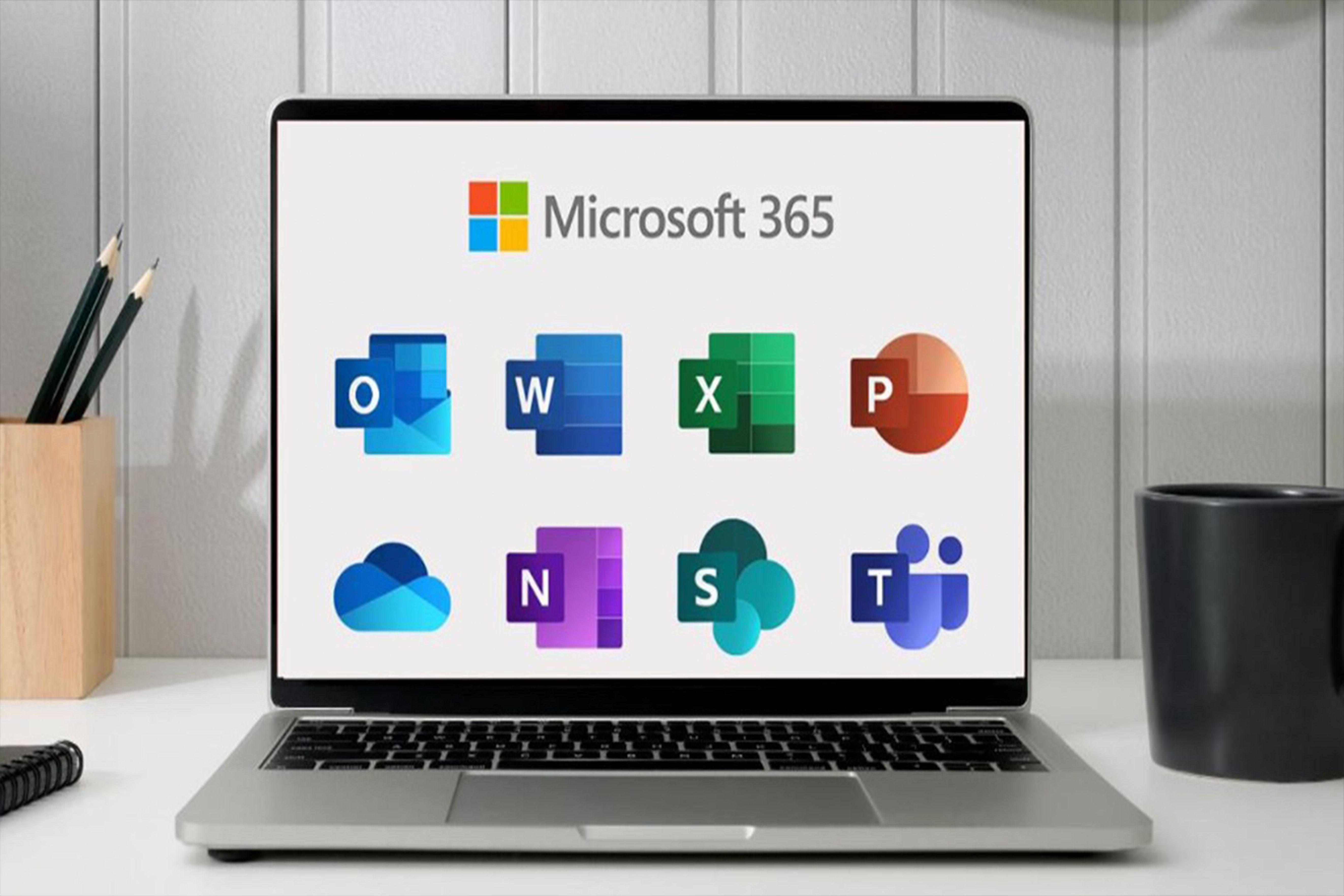
Computer Fundamentals is a beginner-friendly practical course designed to introduce learners to computers, digital technology, and essential computer operations. The course provides a strong foundation for learners who want to develop confidence and competence in using computers for education, business, office work, communication, and everyday digital activities.
Learners will begin by understanding what computers are, how they work, the different types of computers, computer hardware and software, input and output devices, storage devices, operating systems, files and folders, and basic computer maintenance.
The course also covers practical use of Windows, keyboard and mouse operations, typing skills, Microsoft Word, Microsoft Excel, Microsoft PowerPoint, internet and email usage, online communication, cybersecurity awareness, data protection, troubleshooting, and safe use of digital devices.
Learners will participate in practical exercises and activities designed to build real-world computer skills. By the end of the course, learners should be able to operate a computer confidently, manage files and folders, create and edit documents, perform basic spreadsheet calculations, prepare presentations, browse the internet safely, communicate using email, and apply basic computer security practices.
The course is suitable for beginners, students, teachers, office workers, entrepreneurs, job seekers, professionals, and anyone who wants to develop essential computer literacy skills. No previous computer experience is required.
Introduction to Computers
Introduces learners to computers, their history, importance, characteristics, and common uses in everyday life, education, business, government, and other sectors.
1 LessonsTypes and Classification of Computers
Helps learners understand different types of computers and how they are classified according to size, purpose, performance, and application.
1 LessonsComputer Hardware
Introduces the physical components of a computer and explains their functions and relationships.
2 LessonsInput and Output Devices
Explains the devices used to enter information into computers and receive processed information.
2 LessonsComputer Storage Devices
Introduces different technologies used to store and preserve digital information.
2 LessonsComputer Software
Explains software, its purpose, major categories, and how software interacts with computer hardware.
2 LessonsOperating Systems and Windows
Provides practical training in using an operating system, with emphasis on Microsoft Windows.
2 LessonsKeyboard and Mouse Skills
Develops practical skills for controlling a computer efficiently using the keyboard and mouse.
2 LessonsTyping and Basic Computer Operations
Builds accurate and efficient typing skills and teaches learners how to perform common computer operations
2 LessonsFiles and Folder Management
Teaches learners how to organize, manage, locate, copy, move, rename, and protect digital files.
2 LessonsMicrosoft Word Fundamentals
Introduces learners to Microsoft Word and practical document creation and editing.
2 LessonsMicrosoft Word Advanced Document Creation
Develops practical skills for creating professional documents using advanced Microsoft Word features.
2 LessonsMicrosoft Excel Fundamentals
Introduces spreadsheets and teaches learners how to organize, calculate, analyze, and present basic data.
2 LessonsMicrosoft Excel Data Management
Develops practical spreadsheet skills for managing and analyzing structured information.
2 LessonsMicrosoft PowerPoint
Teaches learners how to create professional presentations using Microsoft PowerPoint.
2 LessonsInternet and Web Browsing
Introduces learners to the internet and teaches safe and effective web browsing
2 LessonsEmail and Online Communication
Teaches learners how to communicate professionally using email and other digital communication platforms.
2 LessonsComputer Security and Digital Safety
Introduces essential cybersecurity and digital safety practices for protecting computers, accounts, information, and users.
2 LessonsComputer Maintenance and Troubleshooting
Teaches learners basic preventive maintenance and troubleshooting techniques for common computer problems.
2 LessonsPrinters, Scanners and Other Office Devices
Provides practical knowledge of commonly used office peripherals and how to operate them.
1 LessonsCloud Computing and Digital Storage
Introduces cloud-based services and explains how users can safely store, synchronize, share, and access digital information online.
2 LessonsDigital Productivity and Office Skills
Combines computer skills into practical workplace and academic activities.
2 LessonsPractical Computer Applications
Allows learners to apply their computer knowledge to realistic academic, business, and workplace tasks.
2 LessonsFinal Computer Fundamentals Assessment
Assesses the learner's ability to independently apply essential computer skills in practical and theoretical situations.
2 LessonsCOURSE ASSESSMENT
Learners will be assessed through
2 Lessons
Senior ICT Academy
Login To Leave Review
- Price
USh120,000
USh500,000 - Instructor Senior ICT Academy
- Duration 240 days
- Category Web Development
- Curriculum 25
- Lectures 47
- Enrolled 0